Loading...

Loading...
Loading blog post...
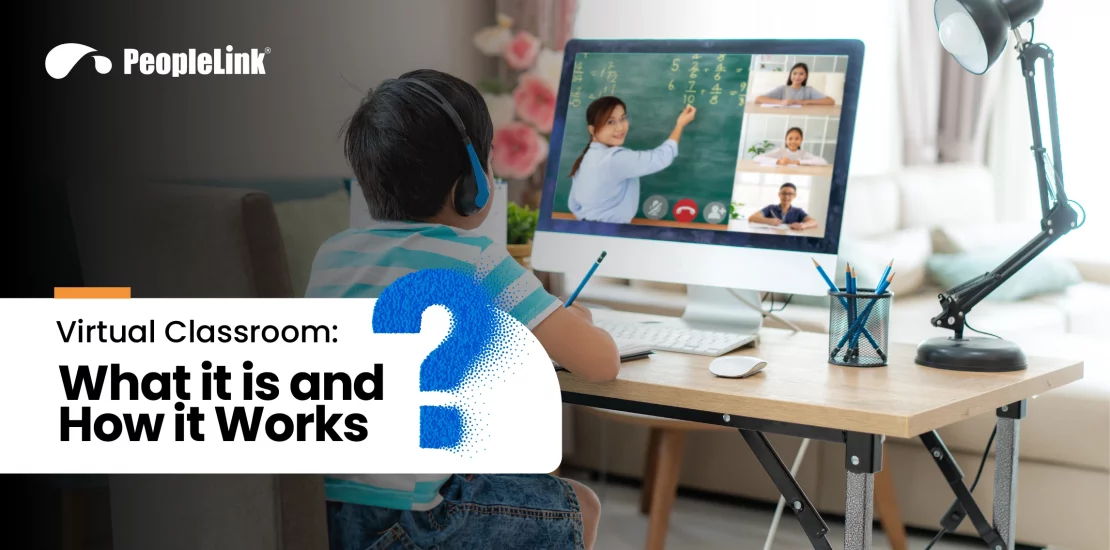
It was a typical day in Mrs. Anderson’s classroom—students seated in rows, flipping through textbooks, and following the same rigid schedule. But Sarah, a quiet student in the back row, struggled to keep up. She’d miss a few days due to illness, and suddenly, the lessons felt like a blur. She wasn’t alone. Many students like her were falling behind, unable to learn at their own pace or engage in the material in a way that worked best for them. The system, while familiar, felt like it had too many limitations.
Across the globe, teachers and students alike were facing the same challenges. But then, the world of education began to shift. Virtual classrooms with digital whiteboards emerged, offering something revolutionary: a way to break down barriers. No longer confined to desks and schedules, students could now learn from anywhere, on their own time, and at their own pace. For teachers, it opened up a new world of possibilities to connect with every student.
The exciting part? Many people still don’t know just how powerful this shift is. In this article, we’ll explore what virtual classrooms are, why they matter, and how they’re reshaping the future of education through innovative remote education tools.
There are two main types of online classrooms Setup: synchronous and asynchronous. Synchronous virtual classrooms are conducted in real time, with students and teachers interacting online at the same time. Asynchronous virtual classrooms are more flexible, allowing students to access course materials and complete assignments on their own time.
Traditional classrooms are what most people are familiar with. In this type of classroom, students physically attend class in a fixed location. They follow a set schedule and interact directly with the teacher and classmates. These classrooms often face challenges with time, location, and resources. This makes it hard for some students to keep up with lessons.
In contrast, online classrooms represent a modern approach to learning. Online learning platforms let students and teachers participate in lessons from anywhere with an internet connection. This setup offers flexibility and convenience for everyone involved. With the use of remote education tools, learning becomes more interactive and personalized.
Hybrid classrooms, on the other hand, combine elements of traditional and online classrooms into one. This setup gives students the chance to learn both in the classroom and from home. By combining digital learning environments with face-to-face instruction, students can enjoy the best of both worlds. This flexibility of hybrid classrooms helps address the needs of diverse learners.
In traditional classrooms, students are limited by time and location. They have to be physically present and follow a fixed schedule, which can be a challenge for many. But virtual classrooms break these barriers. They allow students to learn from anywhere in the world, at their own pace, and at times that suit their individual schedules. This is crucial in today’s world, where online learning platforms are becoming more popular and flexible learning is a necessity. Research shows that 72% of students prefer courses that offer online options, as they provide the ability to balance education with personal responsibilities. Simple tools like The QR Code Generator (TQRCG) can also support this shift by making it easier for students to quickly access online resources and course materials.
This shift in preference highlights how virtual classrooms are not just a trend but a significant part of the future of education.
Virtual classrooms provide students with the ability to learn from anywhere with an internet connection. This flexibility also supports people in remote areas or with disabilities. With online learning platforms, education is more accessible than ever.
Virtual classrooms cater to individual learning styles, allowing students to learn at their own pace. Whether they need more time on specific topics or want to explore subjects of interest, interactive teaching methods enable tailored experiences for each student.
Remote education tools like breakout rooms and interactive whiteboards allow students to actively participate without the pressure of being physically present. This makes learning more engaging, boosting motivation and understanding.
With virtual classrooms, students save on transportation, textbooks, and other expenses associated with traditional education. Online learning platforms offer an affordable, flexible alternative that doesn’t compromise the quality of education.
Virtual classrooms break down geographic barriers, enabling students from all over the world to connect, learn, and collaborate. This global reach enhances the learning experience by exposing students to diverse perspectives.
At PeopleLink, we understand how important it is to create an engaging, accessible, and effective virtual learning environment. That’s why we’ve partnered with instaVC to offer inClass.
inClass is a powerful cloud-based virtual classroom platform designed specifically for educators and businesses alike. With inClass, setting up your own virtual classroom is easier than you might think. Here’s how you do it step by step:
Step 1: Get the Right Tools for Success
Before you start using inClass, you must have the right audio-video conferencing hardware to ensure smooth communication and collaboration during your virtual classroom sessions. PeopleLink provides the hardware you need, like professional-grade cameras and microphones, to ensure your video quality and audio clarity are top-notch for every class.
Step 2: Sign Up and Create Your Account on inClass
Once you have your PeopleLink hardware set up, it’s time to create an account on the inClass platform. With inClass, there’s no need to worry about installing complex software or managing expensive hardware — it’s all hosted in the cloud. You can access inClass from any device (computer, tablet, or smartphone) with an internet connection, making it incredibly flexible for both you and your students.
Step 3: Set Up Your Virtual Classroom
Once you’ve signed up, you’ll be able to create your virtual classroom. From setting up hybrid learning models to managing class materials, everything can be done with a few clicks. Once your virtual classroom is set up, you can now enjoy features of inClass, like live video chats, interactive whiteboards, group discussions, file sharing.
Looking to the future, virtual reality will continue to play a significant role in shaping how students engage with content. As remote education tools evolve, virtual reality in education will create immersive learning experiences that enhance both understanding and engagement. These advancements will open new opportunities for students worldwide, allowing them to experience interactive lessons and real-time collaboration in a way that was impossible.
With the integration of advanced technologies, the role of virtual classrooms will only continue to expand, enabling education to break down geographical, physical, and socioeconomic barriers.
Don't get left out of the professional loop! Follow us
LinkedIn